• Getting Started
    • Signing In
    • Site List
    • Interface Selection
  • Editing Basics
    • Adding Search Boxes
    • Adding a Link
    • Headers and Footers
    • Previewing Changes
    • Viewing Live Site
    • Publishing Changes
    • Adding Social Media
      • Social Media Company Page Button Properties
    • Themes (v4)
      • Customizing Theme Presets
    • Theme, Color Palettes & Buttons (v3)
      • Adding A Logo To Your Menu
      • Adding a Background
      • Changing Default Button Text
  • Images and Files
    • Adding A Background to a Text Block
    • Adding a Photo Gallery
    • Linking to an Image or File
    • Uploading Images and Files
    • Adding an Image to a Page
    • Slideshows
    • Embedding a Video from YouTube
    • Card Component
  • Page Management
    • Spotlight Pages
    • Page Visibility
    • Reordering the Menu
    • Adding a Page
      • Adding A Page - Ideas and Video Walkthroughs
      • Model Pages
      • Supplier Highlights
    • Deleting a Page
    • Editing A Page
      • Adding Notes to a Page
    • Reporting
    • Page Layout
      • Moving Blocks
      • Rows
    • Form Creator
    • Testimonials
    • Agent DNA
    • Destination Pages
    • Destinations
      • Destination Search
    • Blog
  • Travel Content
    • FInding Offer IDs
    • Target Searches
    • Offer Groups
      • Offer Group Displays
    • Offer Detail Page
    • Adjusting Supplier Preferences
  • Lead Management
    • Email Subscription Contact Information
    • Creating Agent Accounts
    • Newsletter Signup
  • Consent Tools
    • CCPA
    • GDPR
    • Compliance Reports
  • SEO Help
  • Commissionable Partners
    • Supplier Booking Integration
    • Additional Revenue Opportunities
  • Getting Started
    • Signing In
    • Site List
    • Interface Selection
  • Editing Basics
    • Adding Search Boxes
    • Adding a Link
    • Headers and Footers
    • Previewing Changes
    • Viewing Live Site
    • Publishing Changes
    • Adding Social Media
      • Social Media Company Page Button Properties
    • Themes (v4)
      • Customizing Theme Presets
    • Theme, Color Palettes & Buttons (v3)
      • Adding A Logo To Your Menu
      • Adding a Background
      • Changing Default Button Text
  • Images and Files
    • Adding A Background to a Text Block
    • Adding a Photo Gallery
    • Linking to an Image or File
    • Uploading Images and Files
    • Adding an Image to a Page
    • Slideshows
    • Embedding a Video from YouTube
    • Card Component
  • Page Management
    • Spotlight Pages
    • Page Visibility
    • Reordering the Menu
    • Adding a Page
      • Adding A Page - Ideas and Video Walkthroughs
      • Model Pages
      • Supplier Highlights
    • Deleting a Page
    • Editing A Page
      • Adding Notes to a Page
    • Reporting
    • Page Layout
      • Moving Blocks
      • Rows
    • Form Creator
    • Testimonials
    • Agent DNA
    • Destination Pages
    • Destinations
      • Destination Search
    • Blog
  • Travel Content
    • FInding Offer IDs
    • Target Searches
    • Offer Groups
      • Offer Group Displays
    • Offer Detail Page
    • Adjusting Supplier Preferences
  • Lead Management
    • Email Subscription Contact Information
    • Creating Agent Accounts
    • Newsletter Signup
  • Consent Tools
    • CCPA
    • GDPR
    • Compliance Reports
  • SEO Help
  • Commissionable Partners
    • Supplier Booking Integration
    • Additional Revenue Opportunities
  • Getting Started
    • Signing In
    • Site List
    • Interface Selection
  • Editing Basics
    • Adding Search Boxes
    • Adding a Link
    • Headers and Footers
    • Previewing Changes
    • Viewing Live Site
    • Publishing Changes
    • Adding Social Media
      • Social Media Company Page Button Properties
    • Themes (v4)
      • Customizing Theme Presets
    • Theme, Color Palettes & Buttons (v3)
      • Adding A Logo To Your Menu
      • Adding a Background
      • Changing Default Button Text
  • Images and Files
    • Adding A Background to a Text Block
    • Adding a Photo Gallery
    • Linking to an Image or File
    • Uploading Images and Files
    • Adding an Image to a Page
    • Slideshows
    • Embedding a Video from YouTube
    • Card Component
  • Page Management
    • Spotlight Pages
    • Page Visibility
    • Reordering the Menu
    • Adding a Page
      • Adding A Page - Ideas and Video Walkthroughs
      • Model Pages
      • Supplier Highlights
    • Deleting a Page
    • Editing A Page
      • Adding Notes to a Page
    • Reporting
    • Page Layout
      • Moving Blocks
      • Rows
    • Form Creator
    • Testimonials
    • Agent DNA
    • Destination Pages
    • Destinations
      • Destination Search
    • Blog
  • Travel Content
    • FInding Offer IDs
    • Target Searches
    • Offer Groups
      • Offer Group Displays
    • Offer Detail Page
    • Adjusting Supplier Preferences
  • Lead Management
    • Email Subscription Contact Information
    • Creating Agent Accounts
    • Newsletter Signup
  • Consent Tools
    • CCPA
    • GDPR
    • Compliance Reports
  • SEO Help
  • Commissionable Partners
    • Supplier Booking Integration
    • Additional Revenue Opportunities

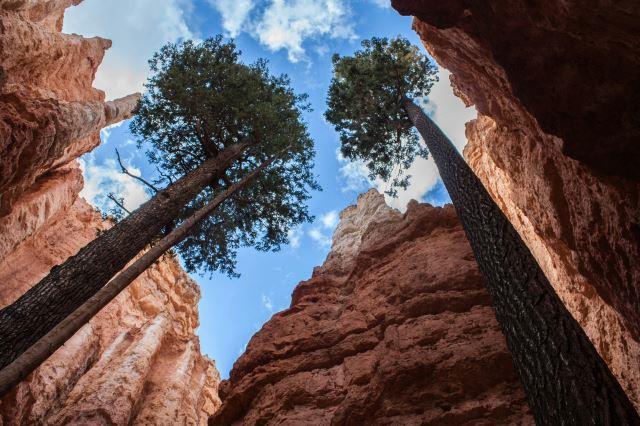
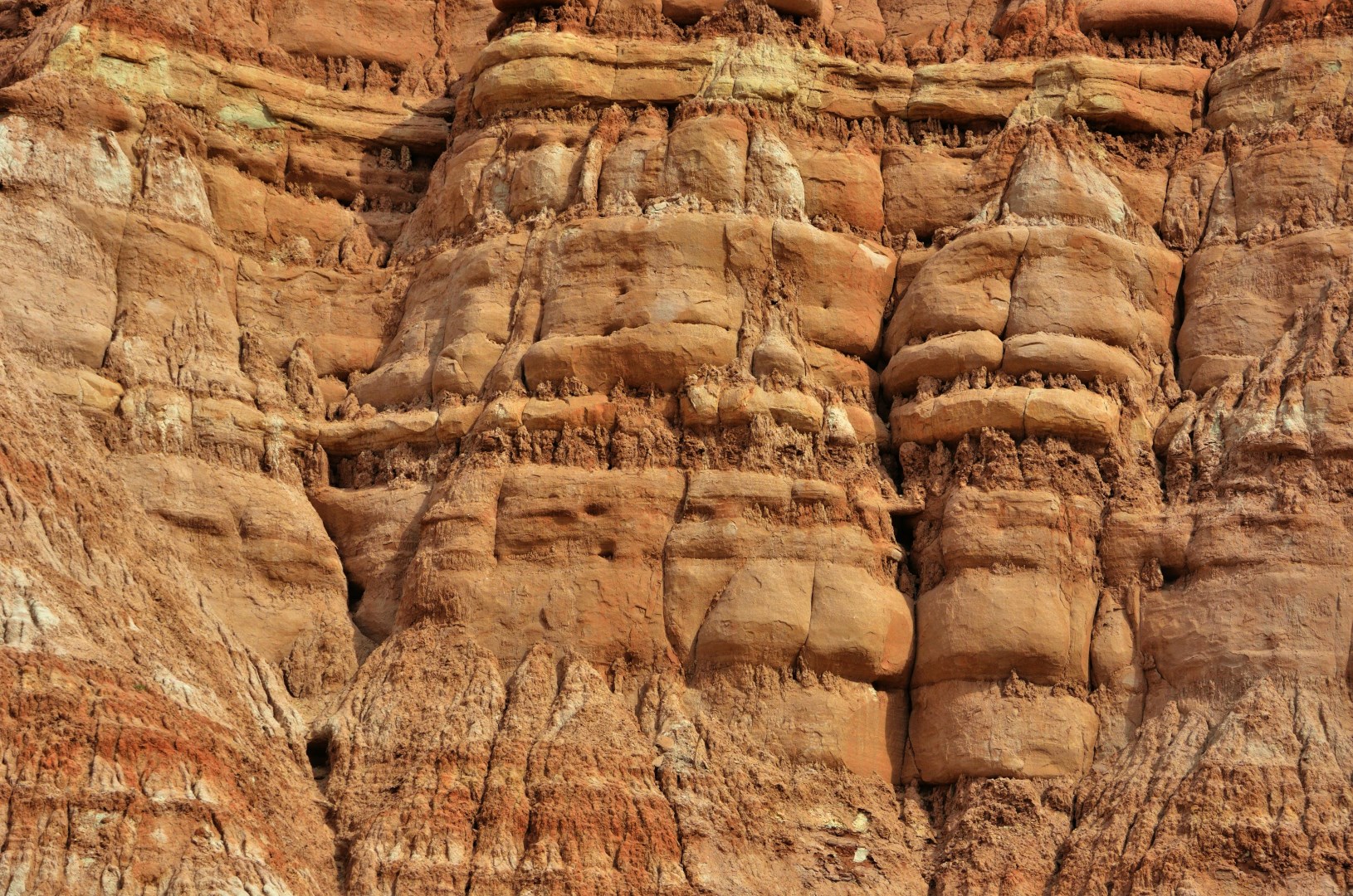
Grand Staircase-Escalante National Monument

Slideshow Placeholder
 Photo Credit: P Mantha
Photo Credit: P Mantha
 Photo Credit: P Mantha

Grand Staircase–Escalante National Monument stretches across southern Utah as a vast landscape of layered cliffs, winding canyons, and open desert plateaus. The land shifts in color from pale cream to deep red, depending on the angle of the sun, revealing rock layers that look like pages stacked over time. Much of the area feels remote, with long dirt roads like Hole-in-the-Rock Road leading travelers deep into quiet terrain where rock formations rise suddenly from flat ground.

One of the most talked-about features of the monument is its narrow slot canyons, especially near routes off Hole-in-the-Rock Road. Places like Peek-a-Boo Gulch and Spooky Gulch draw attention for their tight passageways where sandstone walls twist into smooth curves. In some sections, visitors must turn sideways to pass through, and in others, sunlight filters in from above in thin lines that shift throughout the day. These canyons are shaped by flash floods, a reminder that water, not wind, carved much of this landscape over time.

Placeholder


Placeholder


NexCite Help
Phone: 503-626-7766 Option 2 - Email: support@vacationport.com