• Getting Started
    • Signing In
    • Site List
    • Interface Selection
  • Editing Basics
    • Adding Search Boxes
    • Adding a Link
    • Headers and Footers
    • Previewing Changes
    • Viewing Live Site
    • Publishing Changes
    • Adding Social Media
      • Social Media Company Page Button Properties
    • Themes (v4)
      • Customizing Theme Presets
    • Theme, Color Palettes & Buttons (v3)
      • Adding A Logo To Your Menu
      • Adding a Background
      • Changing Default Button Text
  • Images and Files
    • Adding A Background to a Text Block
    • Adding a Photo Gallery
    • Linking to an Image or File
    • Uploading Images and Files
    • Adding an Image to a Page
    • Slideshows
    • Embedding a Video from YouTube
    • Card Component
  • Page Management
    • Spotlight Pages
    • Page Visibility
    • Reordering the Menu
    • Adding a Page
      • Adding A Page - Ideas and Video Walkthroughs
      • Model Pages
      • Supplier Highlights
    • Deleting a Page
    • Editing A Page
      • Adding Notes to a Page
    • Reporting
    • Page Layout
      • Moving Blocks
      • Rows
    • Form Creator
    • Testimonials
    • Agent DNA
    • Destination Pages
    • Destinations
      • Destination Search
    • Blog
  • Travel Content
    • FInding Offer IDs
    • Target Searches
    • Offer Groups
      • Offer Group Displays
    • Offer Detail Page
    • Adjusting Supplier Preferences
  • Lead Management
    • Email Subscription Contact Information
    • Creating Agent Accounts
    • Newsletter Signup
  • Consent Tools
    • CCPA
    • GDPR
    • Compliance Reports
  • SEO Help
  • Commissionable Partners
    • Supplier Booking Integration
    • Additional Revenue Opportunities
  • Getting Started
    • Signing In
    • Site List
    • Interface Selection
  • Editing Basics
    • Adding Search Boxes
    • Adding a Link
    • Headers and Footers
    • Previewing Changes
    • Viewing Live Site
    • Publishing Changes
    • Adding Social Media
      • Social Media Company Page Button Properties
    • Themes (v4)
      • Customizing Theme Presets
    • Theme, Color Palettes & Buttons (v3)
      • Adding A Logo To Your Menu
      • Adding a Background
      • Changing Default Button Text
  • Images and Files
    • Adding A Background to a Text Block
    • Adding a Photo Gallery
    • Linking to an Image or File
    • Uploading Images and Files
    • Adding an Image to a Page
    • Slideshows
    • Embedding a Video from YouTube
    • Card Component
  • Page Management
    • Spotlight Pages
    • Page Visibility
    • Reordering the Menu
    • Adding a Page
      • Adding A Page - Ideas and Video Walkthroughs
      • Model Pages
      • Supplier Highlights
    • Deleting a Page
    • Editing A Page
      • Adding Notes to a Page
    • Reporting
    • Page Layout
      • Moving Blocks
      • Rows
    • Form Creator
    • Testimonials
    • Agent DNA
    • Destination Pages
    • Destinations
      • Destination Search
    • Blog
  • Travel Content
    • FInding Offer IDs
    • Target Searches
    • Offer Groups
      • Offer Group Displays
    • Offer Detail Page
    • Adjusting Supplier Preferences
  • Lead Management
    • Email Subscription Contact Information
    • Creating Agent Accounts
    • Newsletter Signup
  • Consent Tools
    • CCPA
    • GDPR
    • Compliance Reports
  • SEO Help
  • Commissionable Partners
    • Supplier Booking Integration
    • Additional Revenue Opportunities
  • Getting Started
    • Signing In
    • Site List
    • Interface Selection
  • Editing Basics
    • Adding Search Boxes
    • Adding a Link
    • Headers and Footers
    • Previewing Changes
    • Viewing Live Site
    • Publishing Changes
    • Adding Social Media
      • Social Media Company Page Button Properties
    • Themes (v4)
      • Customizing Theme Presets
    • Theme, Color Palettes & Buttons (v3)
      • Adding A Logo To Your Menu
      • Adding a Background
      • Changing Default Button Text
  • Images and Files
    • Adding A Background to a Text Block
    • Adding a Photo Gallery
    • Linking to an Image or File
    • Uploading Images and Files
    • Adding an Image to a Page
    • Slideshows
    • Embedding a Video from YouTube
    • Card Component
  • Page Management
    • Spotlight Pages
    • Page Visibility
    • Reordering the Menu
    • Adding a Page
      • Adding A Page - Ideas and Video Walkthroughs
      • Model Pages
      • Supplier Highlights
    • Deleting a Page
    • Editing A Page
      • Adding Notes to a Page
    • Reporting
    • Page Layout
      • Moving Blocks
      • Rows
    • Form Creator
    • Testimonials
    • Agent DNA
    • Destination Pages
    • Destinations
      • Destination Search
    • Blog
  • Travel Content
    • FInding Offer IDs
    • Target Searches
    • Offer Groups
      • Offer Group Displays
    • Offer Detail Page
    • Adjusting Supplier Preferences
  • Lead Management
    • Email Subscription Contact Information
    • Creating Agent Accounts
    • Newsletter Signup
  • Consent Tools
    • CCPA
    • GDPR
    • Compliance Reports
  • SEO Help
  • Commissionable Partners
    • Supplier Booking Integration
    • Additional Revenue Opportunities

Guayaquil

Slideshow Placeholder
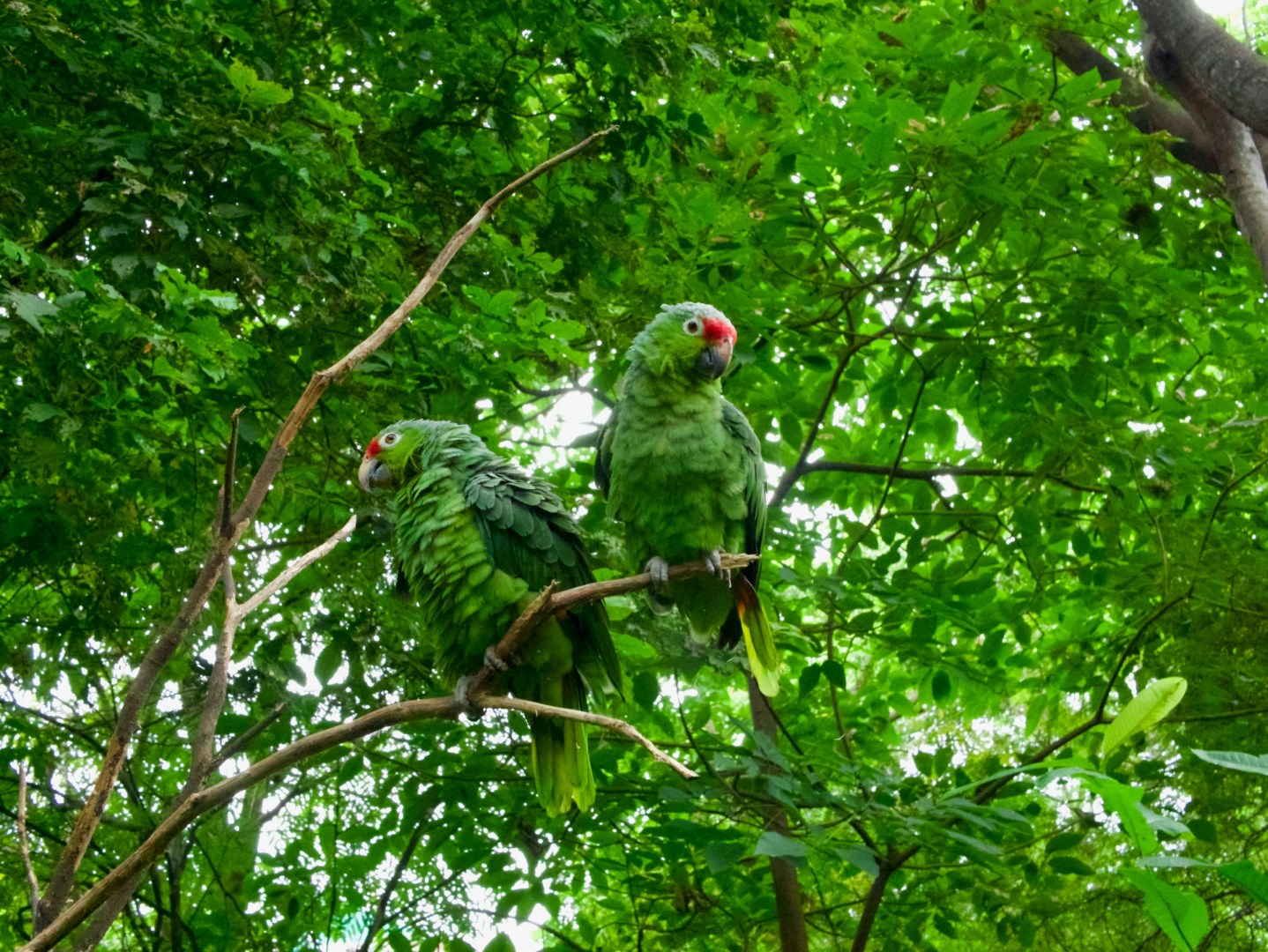
 Photo Credit: Jose Garcia
Photo Credit: Jose Garcia
 Photo Credit: Jose Garcia
 Photo Credit: Tom Winckels
Photo Credit: Tom Winckels
 Photo Credit: Tom Winckels
 Photo Credit: Cristian Castillo
Photo Credit: Cristian Castillo
 Photo Credit: Cristian Castillo
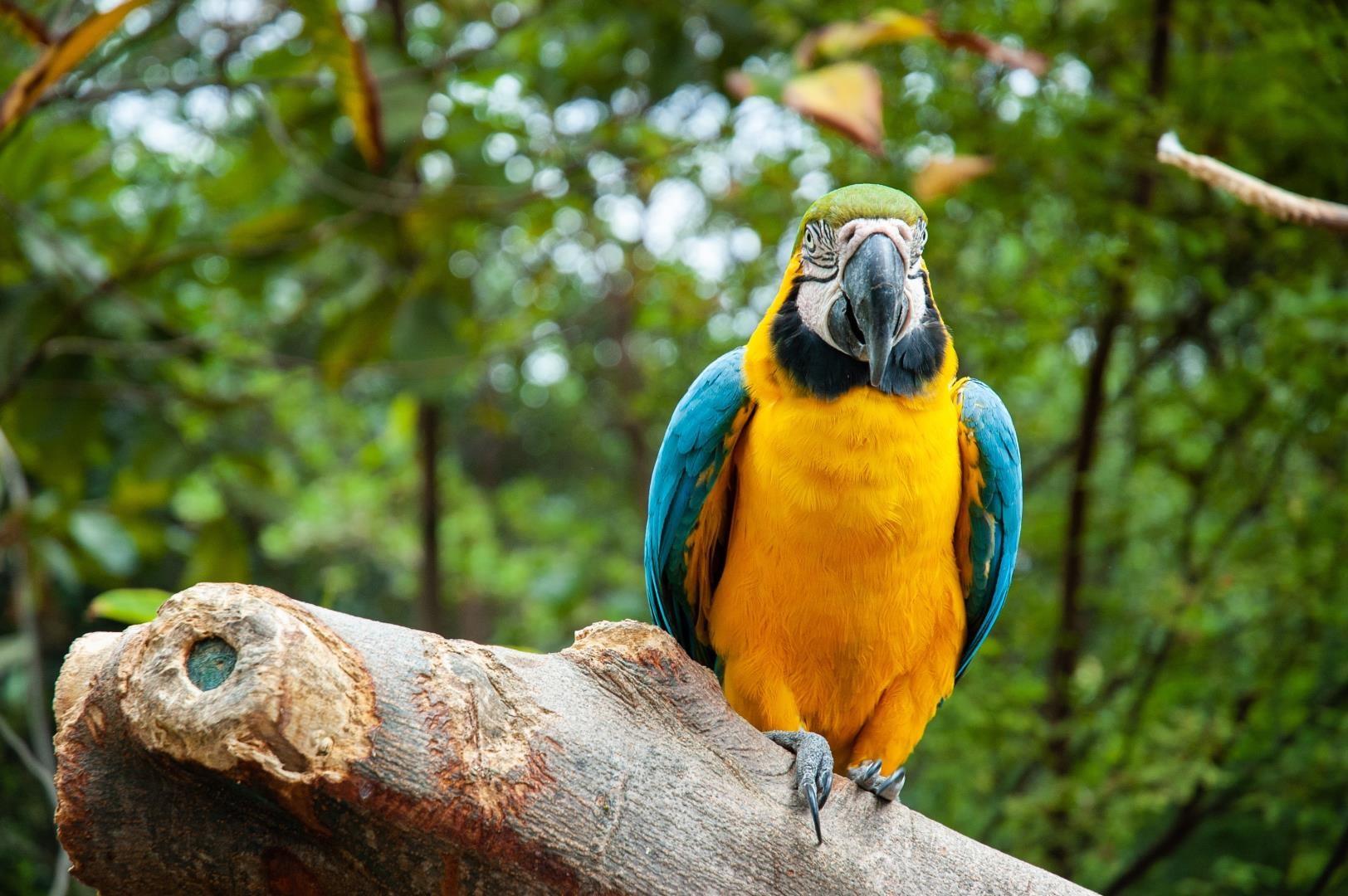
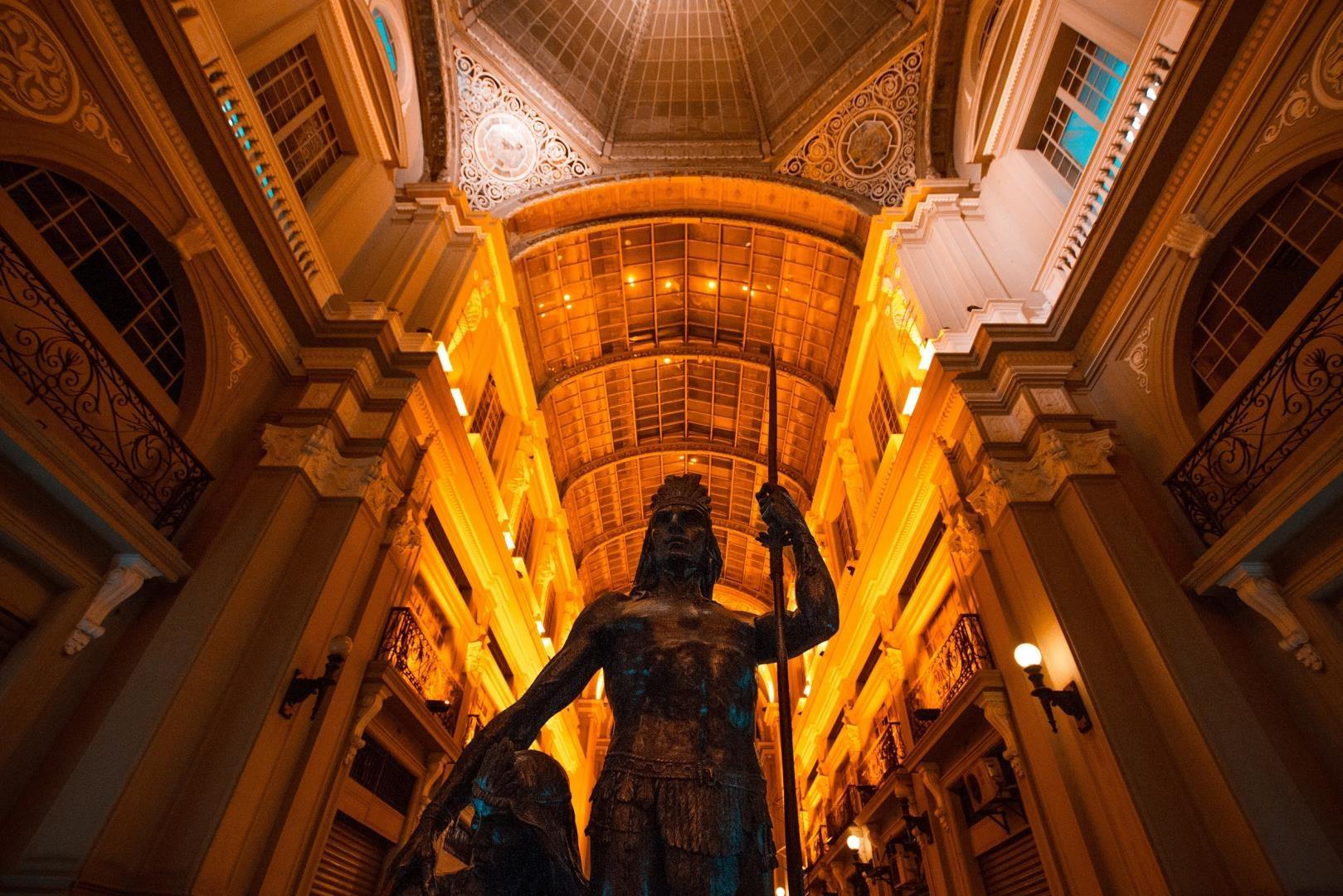
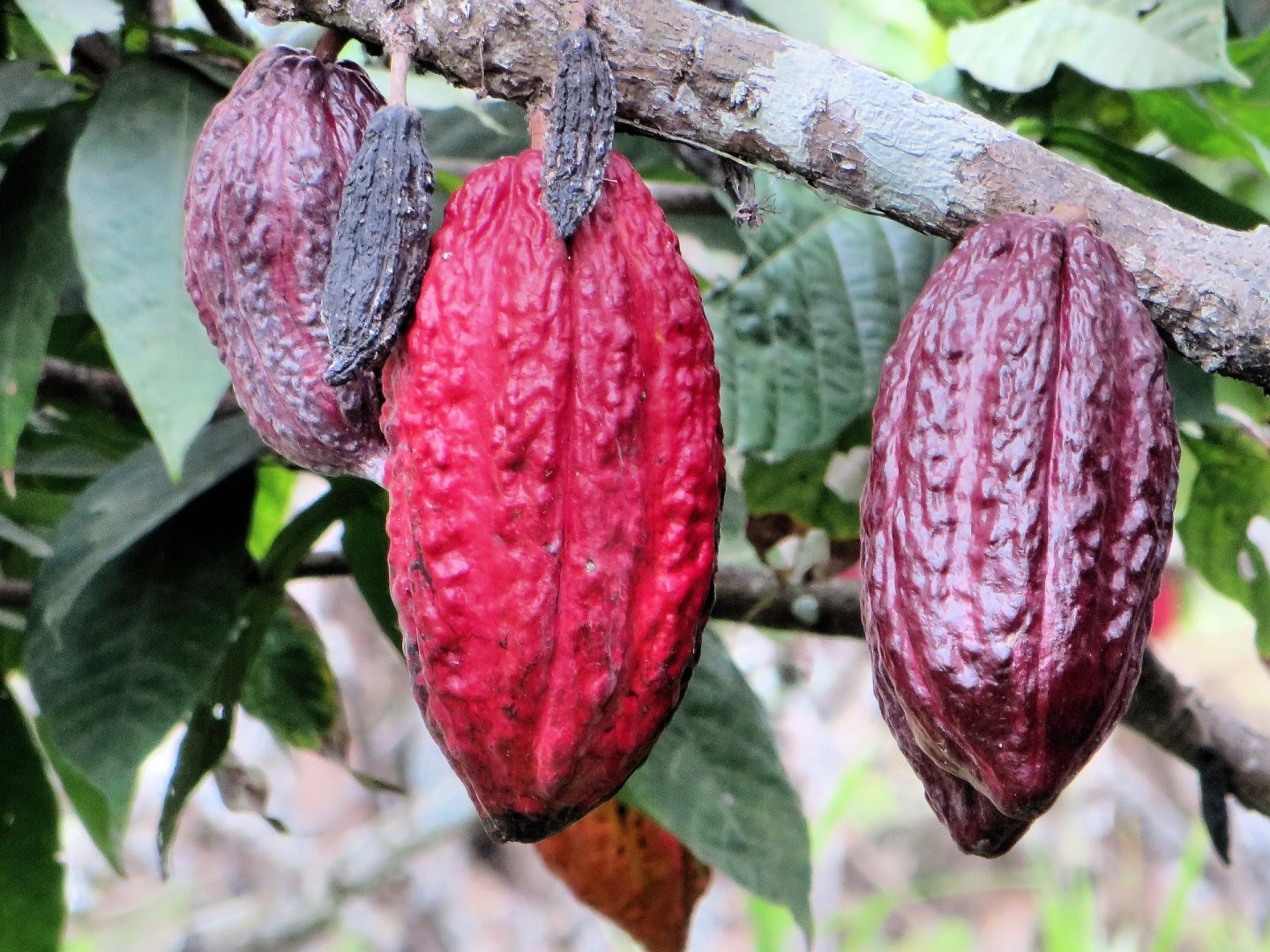
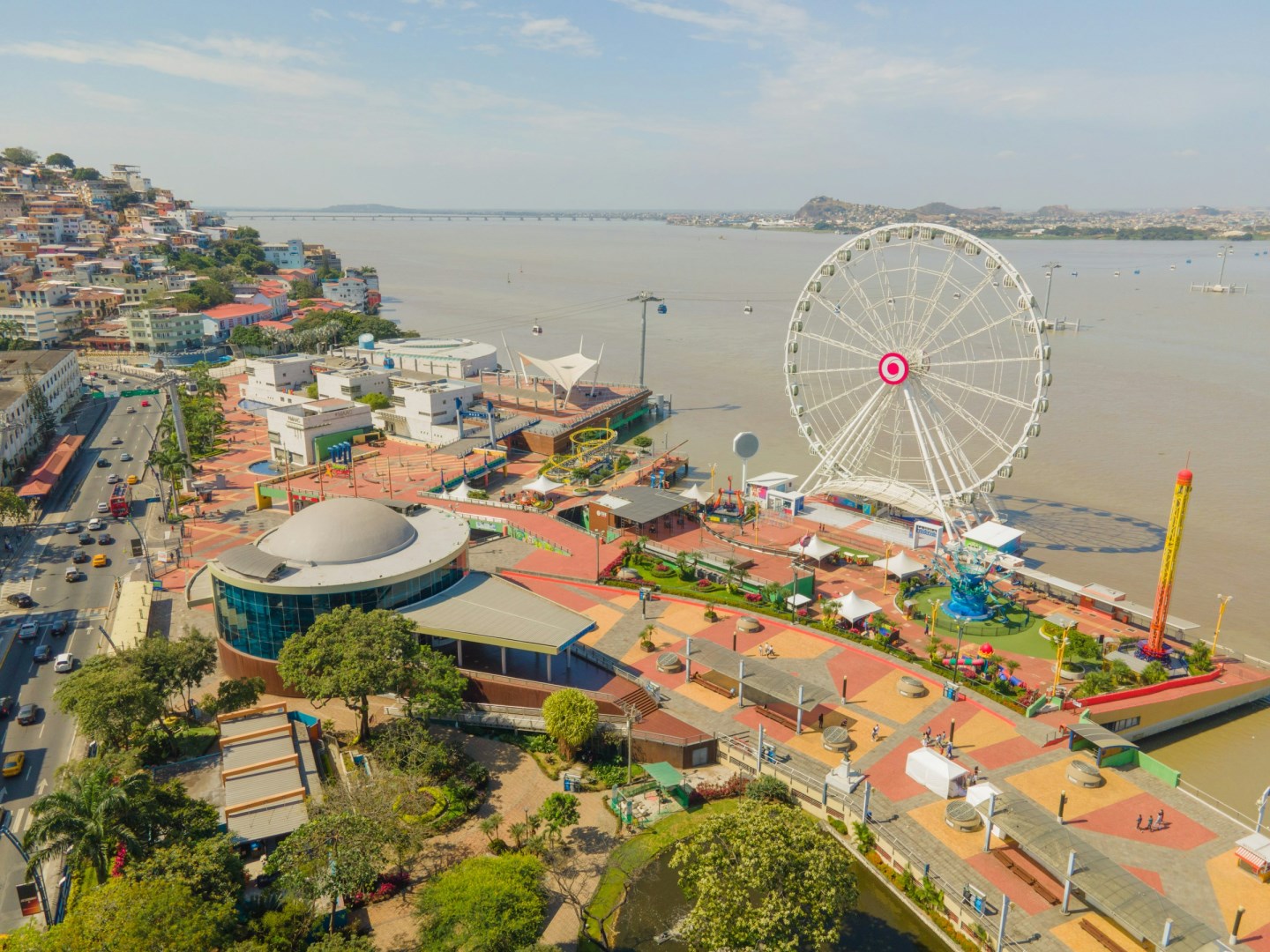
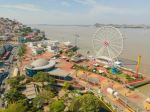
Guayaquil, Ecuador, is a vibrant port city and a frequent starting point for cruises to the Galapagos Islands. Stroll along the Malecón 2000 boardwalk for stunning views of the Pacific Ocean, explore the botanical gardens of Parque Historico Guayaquil, or enjoy the colorful streets and shops of popular Las Peñas neighborhood.

Learn More About Guayaquil

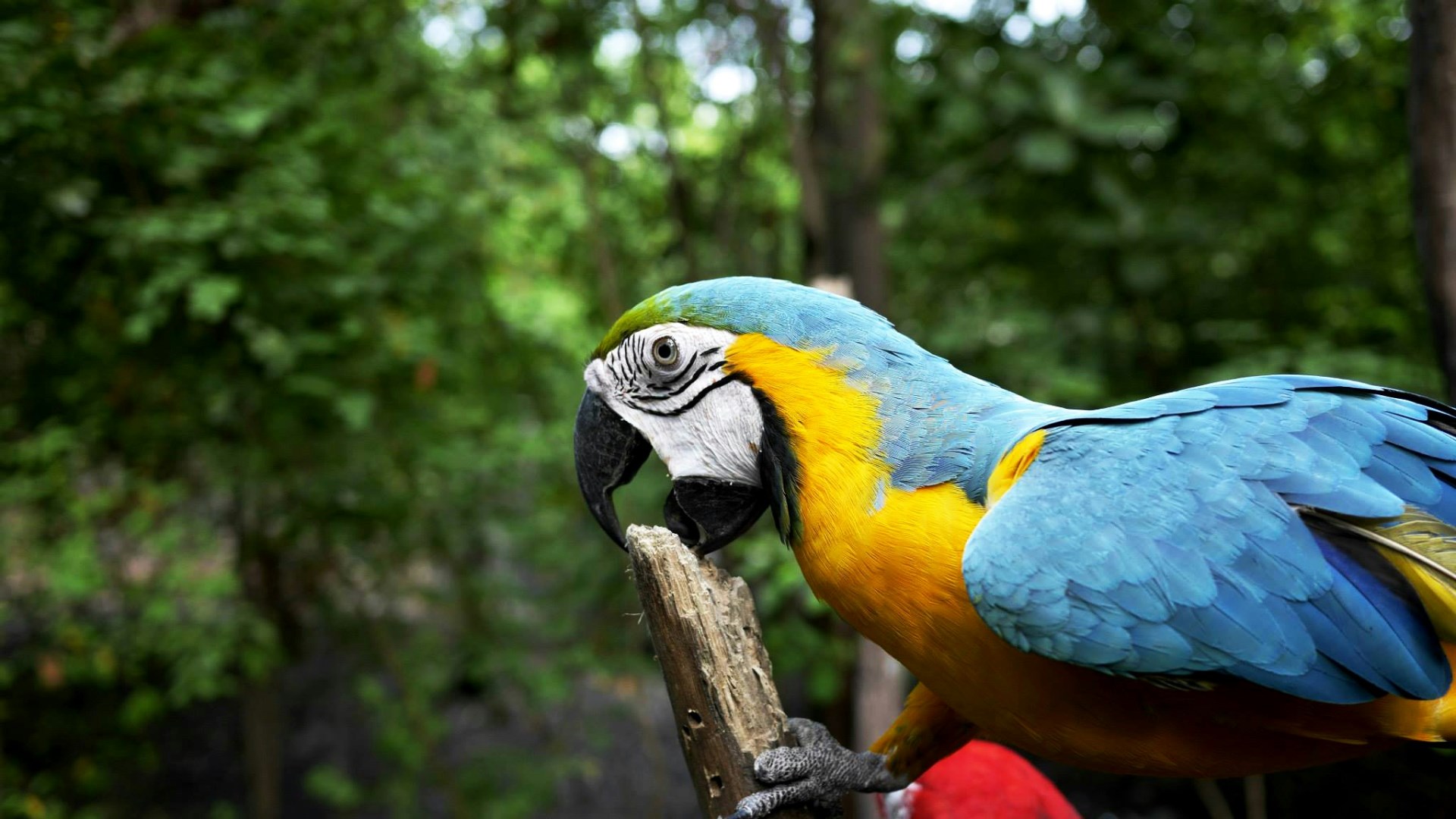
Parque Histórico de Guayaquil
This popular park features a zoo and historical houses.

Malecón 2000
Boardwalk along the Guayas River featuring gardens, museums, restaurants, fountains, and South America's first IMAX theater.

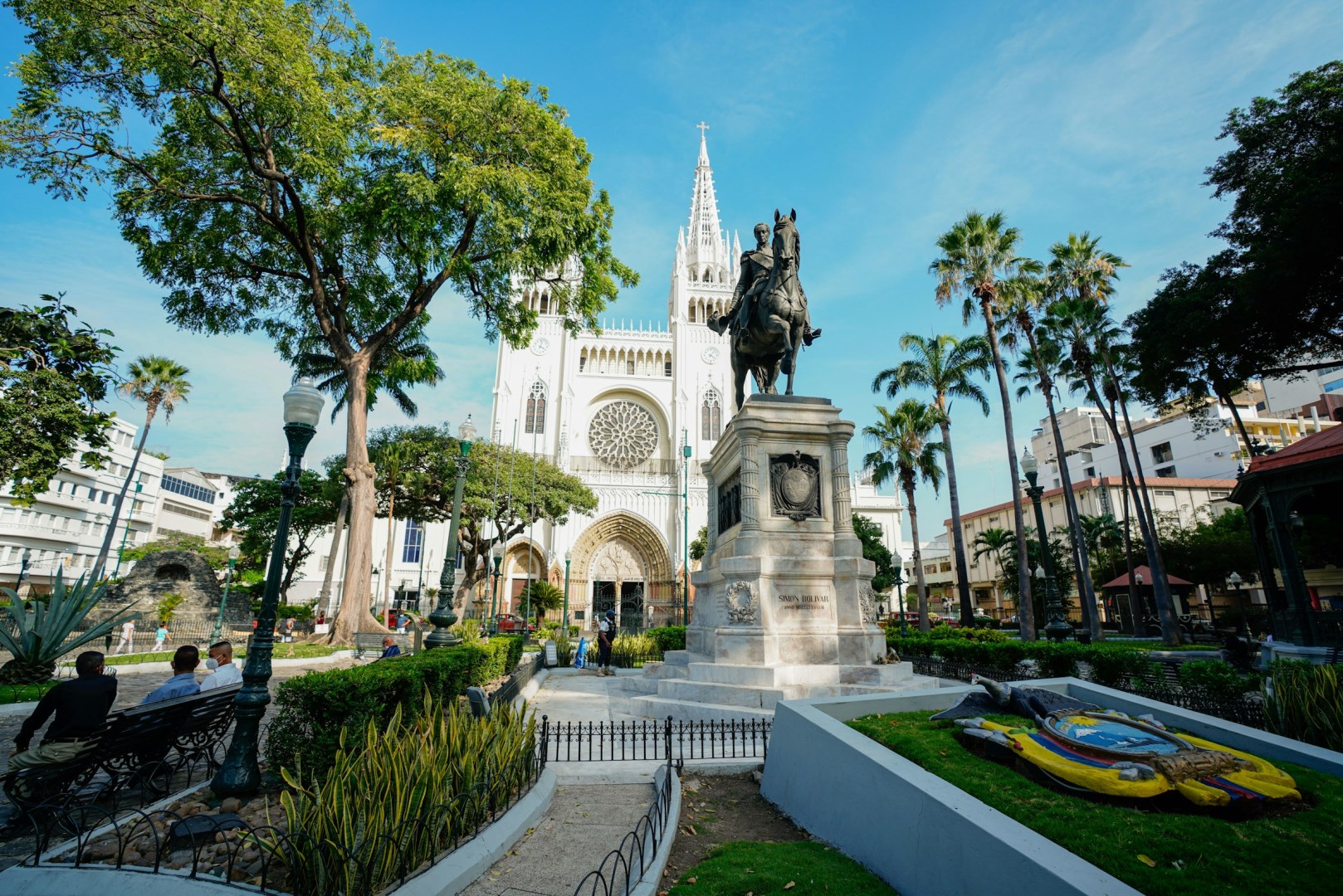
Parque Seminario
See iguanas (as well as turtles and pigeons) at this popular park.
Placeholder


Placeholder


NexCite Help
Phone: 503-626-7766 Option 2 - Email: support@vacationport.com